
certified technicians

Common TV Problems

No Power?

Need Professional TV Repair?

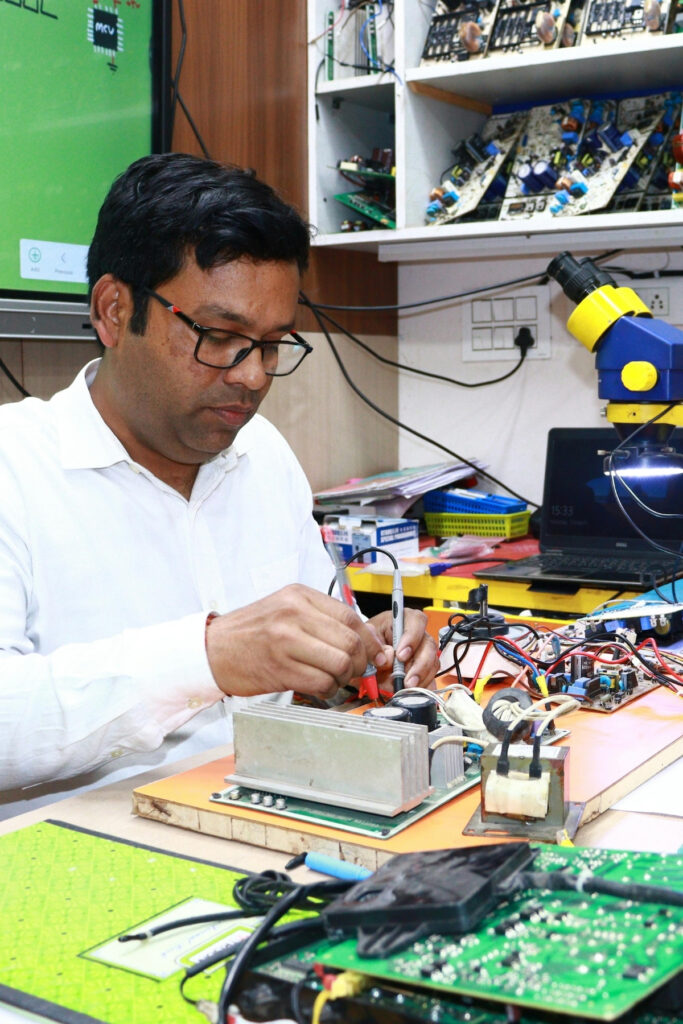
Our experienced TV repair technicians are trained to diagnose and repair all types of television issues, including power failures, black screens, sound problems, display issues, and Smart TV faults. We provide fast, reliable, and affordable TV repair services across Toronto for all major TV brands.

For expert assistance, contact us today and let our technicians restore your TV to perfect working condition.
No Picture, Only Sound

  • Ensure your TV is powered on and the correct input source is selected.
  • Disconnect and reconnect all HDMI or AV cables securely.
  • Try a different HDMI cable or switch to another HDMI port.
  • Restart your TV by unplugging it for 60 seconds, then plug it back in.
  • For Smart TVs, check for available software or firmware updates.
  • If the screen remains black while audio is working, the issue may be caused by a faulty backlight, display panel, T-Con board, or main board. Our expert technicians can accurately diagnose and repair the problem.

Distorted Picture

  • Adjust your TV’s picture settings and restore the default display settings if needed.
  • Check all HDMI, AV, or other cable connections to ensure they are secure and undamaged.
  • Try using a different HDMI cable or connect your external device directly to the TV.
  • Restart your TV and any connected devices to refresh the display.

Cracked TV Screen

A cracked or physically damaged TV screen usually cannot be repaired and may require a screen replacement, depending on the TV model and parts availability. Our experienced technicians will inspect the damage and recommend the most cost-effective solution.
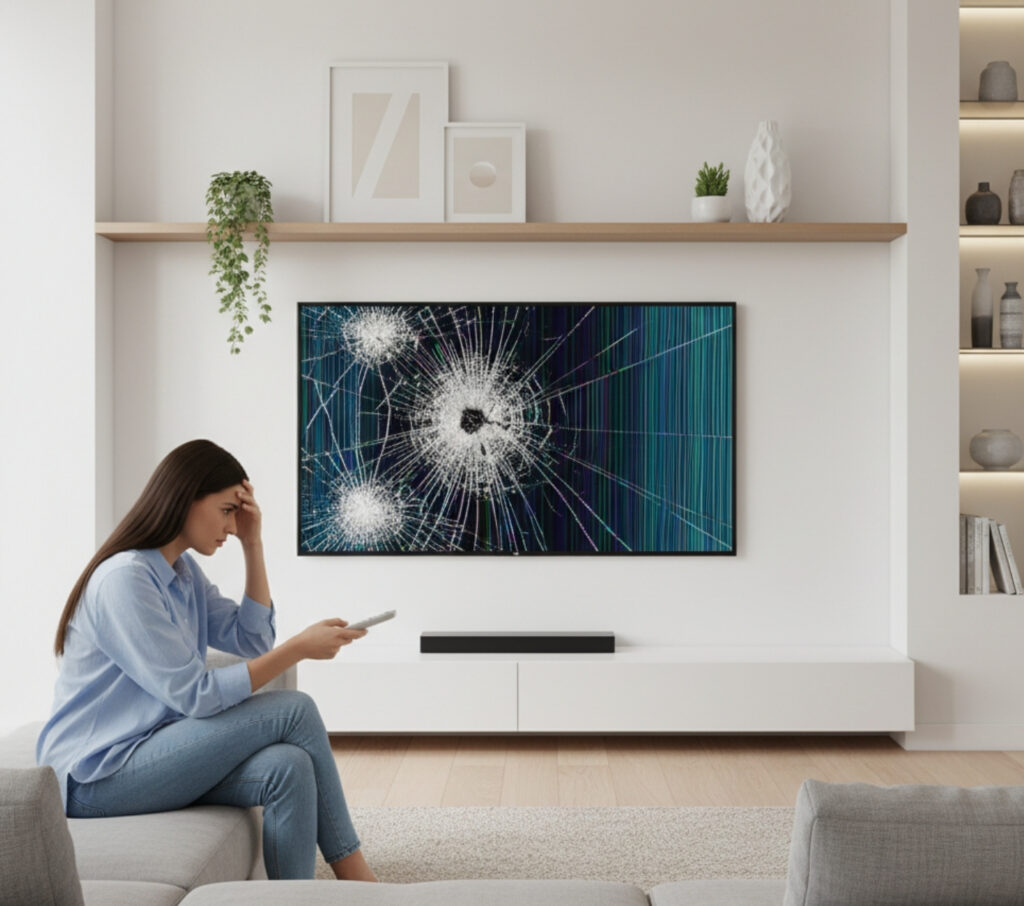
  • We assess the extent of the screen damage.
  • We check whether a screen replacement is available for your TV model.
  • We provide a transparent repair or replacement estimate before any work begins.
  • If repair is not economical, we’ll help you explore the best replacement options.

No Signal

Follow these quick steps if your TV displays "No Signal":

  • Make sure the correct input source (HDMI, AV, TV, etc.) is selected.
  • Check that all HDMI, antenna, or cable connections are secure.
  • Restart your TV and any connected devices, such as a cable box, streaming device, or gaming console.
  • Try a different HDMI cable or connect the device to another HDMI port.
  • For Smart TVs, ensure your internet connection is working properly and check for software updates.
  • If the “No Signal” message persists, the issue may be caused by a faulty HDMI port, input board, mainboard, or other internal hardware. Our experienced technicians can quickly diagnose and repair the problem.